Document Organization#
Organization System Overview#
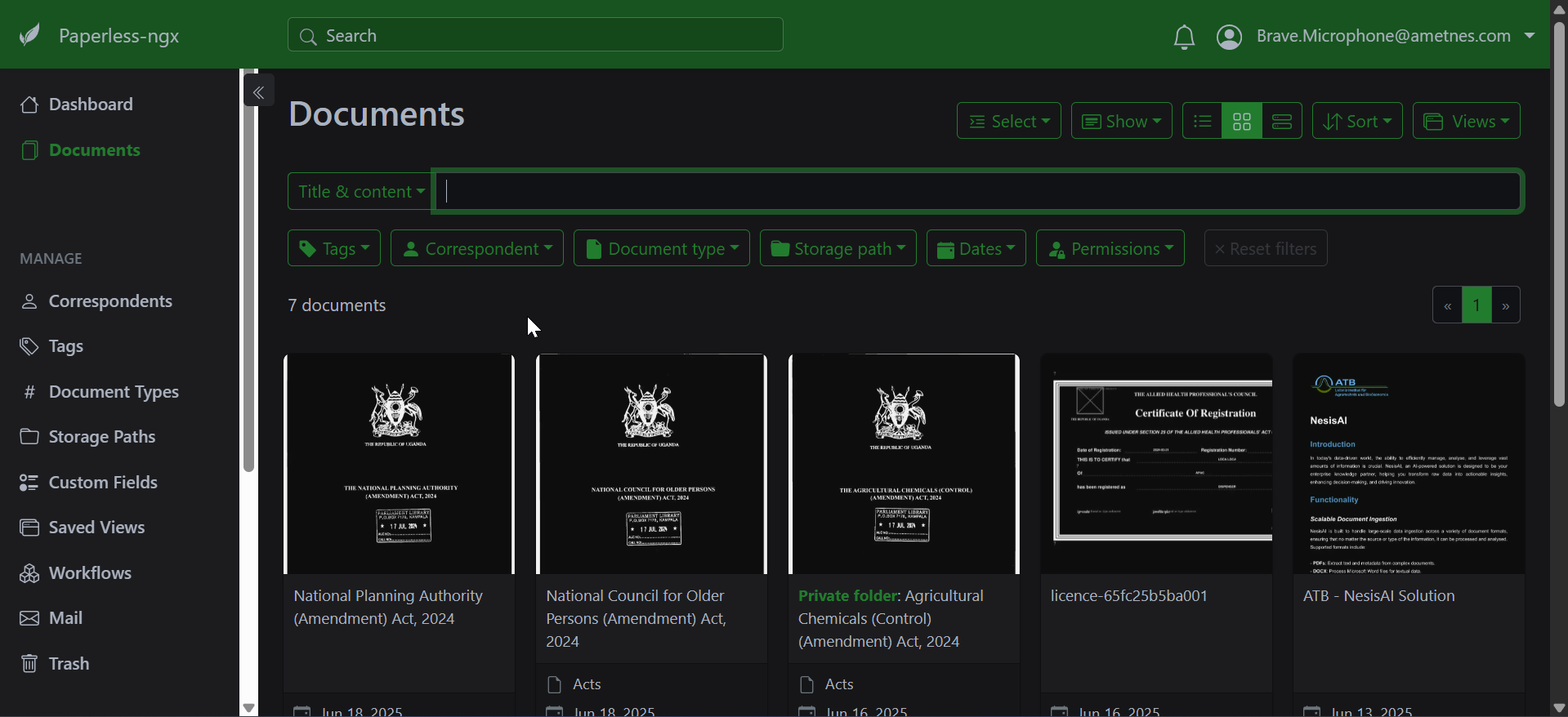
Paperless-ngx uses a flexible organization system that goes beyond traditional folder structures. Documents are organized using multiple metadata dimensions that make finding information quick and intuitive.
Correspondents#
What Are Correspondents?#
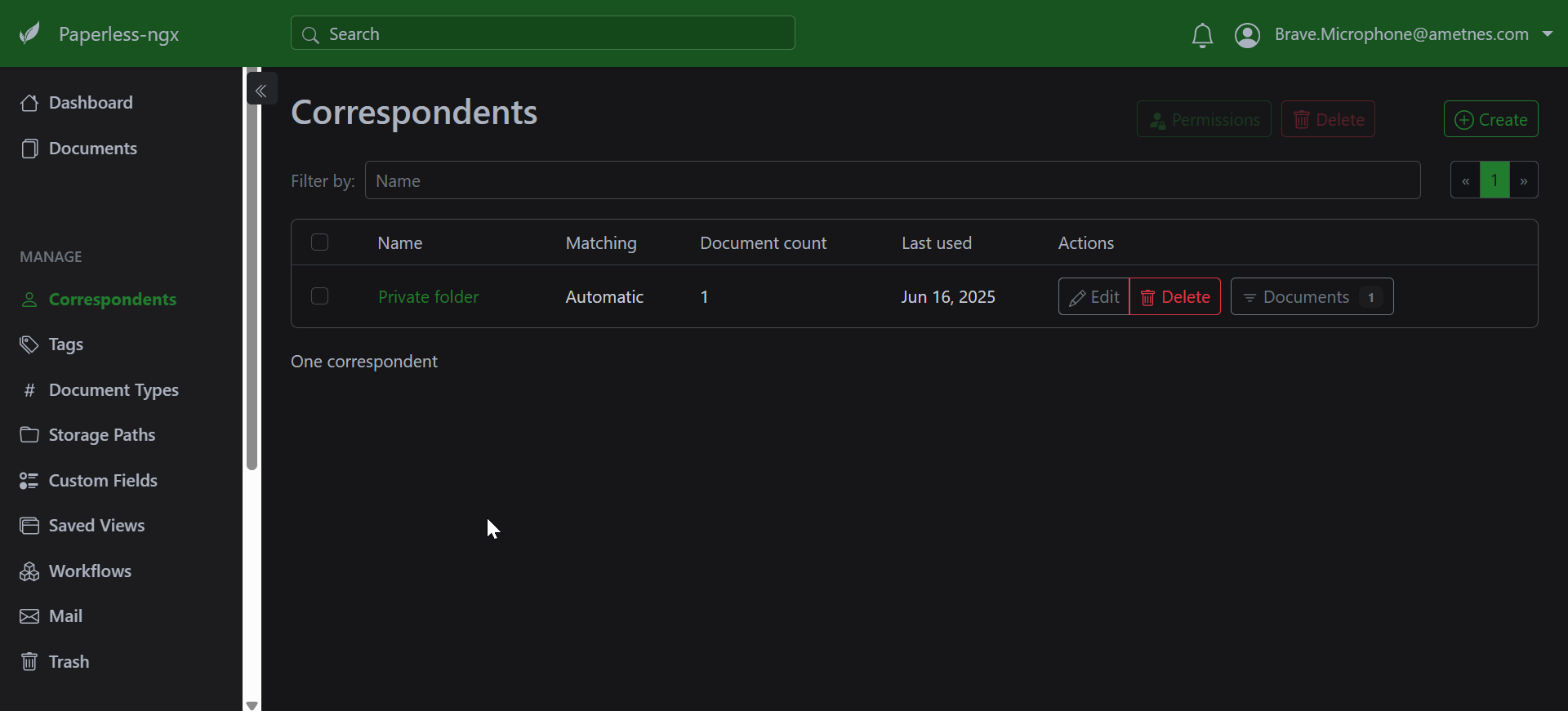
Correspondents represent the people, companies, or organizations that documents are from or to. They help you quickly find all documents related to a specific entity.
Creating Correspondents#
- Navigate to Settings → Correspondents
- Click "Add Correspondent"
- Enter the correspondent name
- Add optional matching rules for automatic assignment
- Save the correspondent
Correspondent Examples#
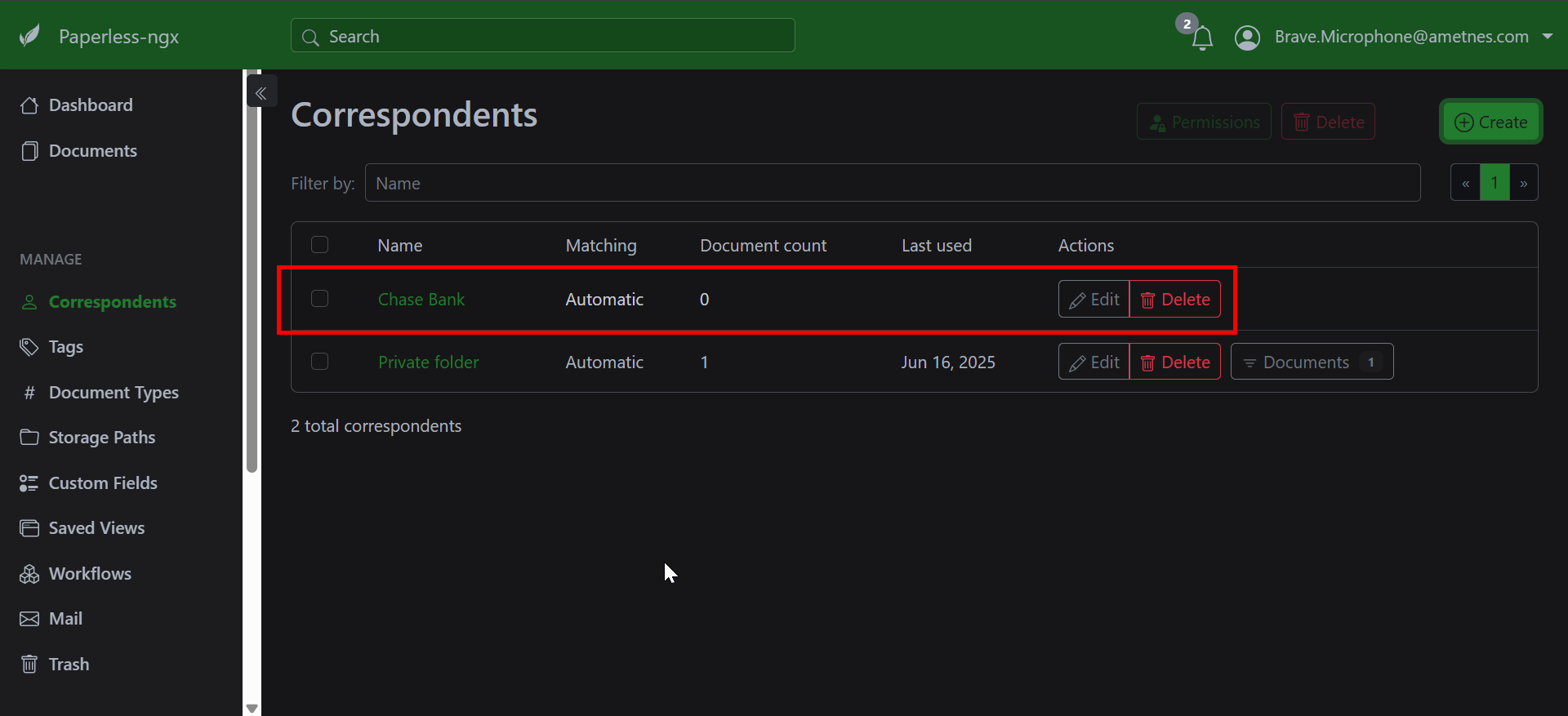
- Financial: "Chase Bank", "Capital One", "IRS"
- Utilities: "Electric Company", "Water Department", "Internet Provider"
- Healthcare: "Dr. Smith", "City Hospital", "Insurance Company"
- Business: "ABC Supplier", "XYZ Client", "Legal Firm"
- Personal: "John Doe", "Property Manager", "School District"
Folder-Like Organization#
Virtual Folders Through Filtering#
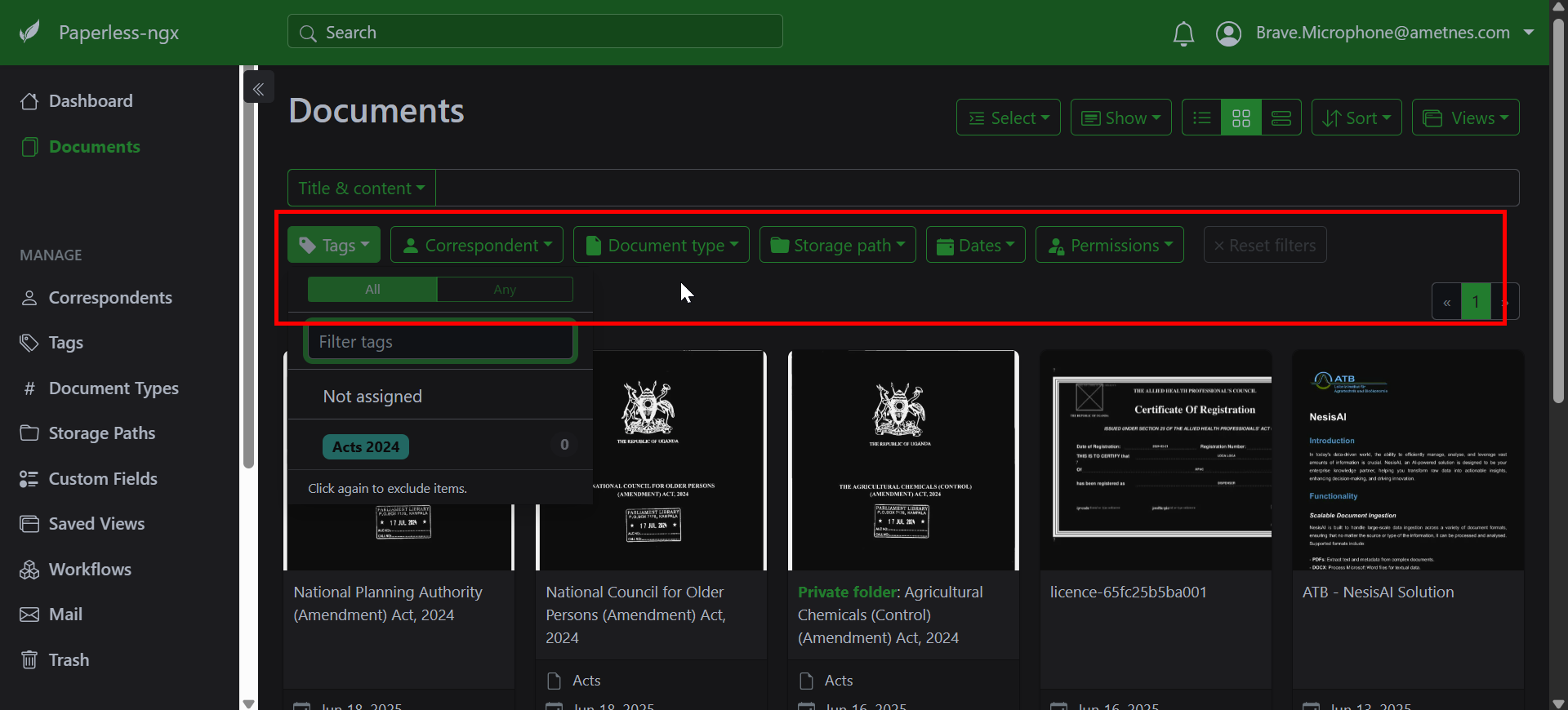
While Paperless-ngx doesn't use traditional folders, you can create folder-like organization through saved searches and filters.
Creating Virtual Folders#
- Filter documents by specific criteria:
- Correspondent: "Electric Company"
- Document Type: "Invoice"
-
Date Range: Last 12 months
-
Save the search with a descriptive name:
- "Electric Bills - Current Year"
- "Tax Documents 2024"
- "Contract Renewals Due"
Hierarchical Organization#
Create nested organization using tag hierarchies:
Finance
  ├── Invoices
  │   ├── Paid
  │   └── Pending
  ├── Receipts
  │   ├── Business
  │   └── Personal
  └── Tax Documents
      ├── 2024
      └── 2023
Organization Best Practices#
Naming Conventions#
Establish consistent naming patterns:
Document Titles#
YYYY-MM-DD - Document Type - Correspondent - Description
2024-03-15 - Invoice - Electric Company - March Bill
2024-03-20 - Contract - ABC Services - Annual Maintenance
Correspondent Names#
- Use full, official names: "Chase Bank" not "Chase"
- Be consistent: "Dr. John Smith" vs "John Smith, MD"
- Include location if needed: "City Hospital - Downtown"
Metadata Strategy#
- Plan before implementing: Design your system first
- Keep it simple: Don't over-complicate categories
- Be consistent: Train all users on the same standards
- Regular maintenance: Review and clean up periodically
Organizational Hierarchy#
Design your organization system:
Level 1: Correspondent (Who)
Level 2: Document Type (What)
Level 3: Tags (How/When/Where)
Level 4: Custom Fields (Specific Details)
Bulk Organization#
Mass Document Organization#
When you have many unorganized documents:
- Start with correspondents: Group by who documents are from
- Add document types: Categorize by document purpose
- Apply basic tags: Add time periods, status, priority
- Use bulk edit: Select multiple documents for mass changes
Bulk Edit Features#
- Select multiple documents: Use checkboxes
- Apply tags: Add/remove tags from selected documents
- Change correspondents: Reassign multiple documents
- Update document types: Mass categorization
- Modify custom fields: Update metadata in bulk
Troubleshooting Organization Issues#
Common Problems#
Too Many Unorganized Documents#
- Solution: Use bulk operations and filters
- Prevention: Set up automation rules
- Process: Organize in batches by date or type
Inconsistent Naming#
- Solution: Standardize existing names using bulk edit
- Prevention: Document and train on naming conventions
- Tools: Use find/replace for common corrections
Missing Correspondents/Types#
- Solution: Review and add missing categories
- Prevention: Regular system maintenance
- Process: Create as needed during document processing